
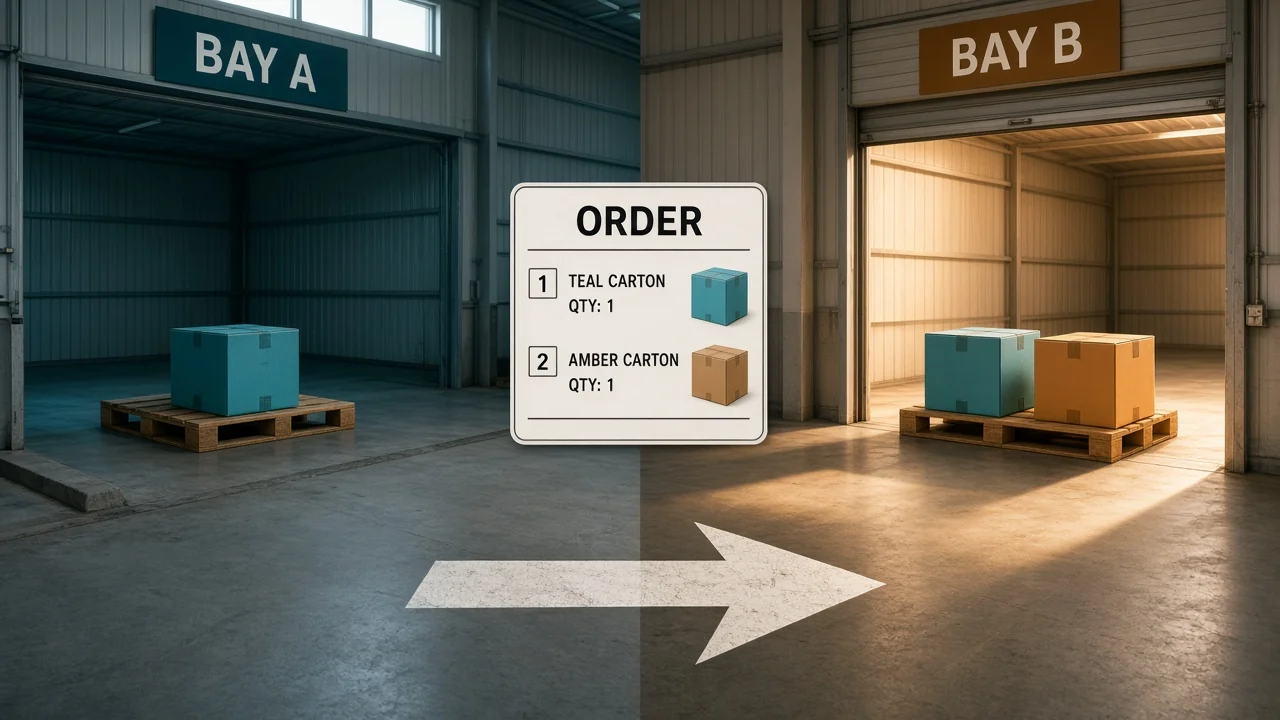
The Shopify order and the Amazon order both wanted the last lamp. Two pick tickets printed. One bin. The second box left with a note that you would refund them later.
An order management system for ecommerce is the queue that should have stopped the second ticket. Every channel lands in one place. The unit is committed once. The warehouse that can actually ship it gets the work.
What is an order management system for ecommerce?
It takes orders from your store and from marketplaces, and it holds them against real stock. A building that has the units gets the pick. When the carton leaves, tracking goes back to the channel that sold it. One queue owns the unit before a second channel can sell it.
A spreadsheet of morning exports is a list. It is not a commitment. Two people can still sell the same lamp.
You do not need this on the day one person ships one store from one shelf. You need it when a second channel, or a second building, can promise the same unit.
What has to happen before a pick prints?
An order is not a pick until the units are committed. Order 220 is two items: a lamp and a shade. East has the lamp and not the shade. West has the shade and not the lamp.
If you send the whole order to East, the shade never starts. If you send it to both buildings without a plan, the customer gets two boxes or one box and a cancellation. Pick one rule and write it down.
| Stock position | What the queue should do |
|---|---|
| One building has both lines | Send the whole order there |
| The lines sit in two buildings, and you allow a split | Two shipments, two tracking numbers, one order |
| You do not split, and no building has both | Hold the order. Do not print a partial pick that looks finished |
| The same unit is already committed to another order | Do not print a second ticket. The first commitment owns it |
Available is on hand minus what open orders already own. Order 220's lamp comes out of East's available when you commit it, not when the carrier scans the label. That gap is how the marketplace keeps selling a unit that is sitting on a pack table.
The GAO inventory count guide is about trusting the on-hand number behind those decisions. If the bin is wrong, the clever routing still ships the wrong promise.
How do you route the order?
Closest is not the same as can-ship. East is 10 miles from the customer and has only the lamp. West is 40 miles away and has both lines. If your rule is "do not split," West gets order 220 even though the map looks worse.
If your rule is "split to save a stockout," East ships the lamp and West ships the shade. The customer should see two tracking numbers, not a single "shipped" while one line is still on a shelf.
Orders in the queue by 2 p.m. ship today. Anything later is tomorrow. A system that prints every ticket the moment it lands will have the floor chasing a cart that missed the truck.
Driving those parcels is a different problem. Gurobi's routing FAQ describes a vehicle routing problem as which stops each vehicle visits, in what order, and when. Choosing West for order 220 does not sequence the driver's afternoon.
What goes back to the channel?
The channel that sold the order still needs the truth after the pick. When East's label prints, that channel should show shipped only for the lines on that label. A split that marks the whole order shipped will generate a "where is the shade" ticket before West picks.
Cancellations run the same pipe backward. If the customer cancels before the pick, release the commitment so the lamp is sellable again. If the pick already happened, you are in a return, not a cancel. Treating those as the same button restocks a unit that is in a truck.
Order fulfillment in OneChannelAdmin is the queue for that commit-and-route step across channels. What it commits sits in inventory management, the number each channel is allowed to sell. The building that picks is warehouse management. Labels and the carrier handoff sit with OneFulfillCenter.
When is the store admin enough?
| Your week | Use this |
|---|---|
| One store, one shelf, one person shipping the same day | The store's own orders screen |
| Amazon or another marketplace selling the same sku | One queue, or you will print two tickets |
| Two buildings, and orders contain more than one line | Routing rules: whole order, or a deliberate split |
| A 3PL ships for you | The order still needs an owner in your queue before their building picks |
I'd add the system when the second channel goes live, not after the first double ship. The cleanup on that lamp costs more than a week of setup.
What a morning file still gets wrong
You download one channel at 8:00 and the other at 8:05. A sale at 8:02 can miss both files, or land in both if someone exports twice. The lamp's available figure in the sheet is whatever was typed yesterday.
A commit inside one queue means that 8:02 order owns the unit before a second file exists. The pick is a result of the commit, not another copy of the csv. When the feed fails, the order sits in an error row you can see. It does not sit in an inbox.
Line status matters as much as order status. If East ships the lamp and the shade is still at West, the customer message should say exactly that. One "your order has shipped" note for a half-finished order creates the support ticket.
An address change after the label prints needs a void and a reprint. Canceling the whole order just to fix a street number releases the lamp, and another channel can take it while you retype.
A cancel before the pick releases the commitment, and the lamp can sell again. A cancel after the pick is a return. The unit is in a carton, not back on the shelf. Treating both cancels the same way lists a lamp that is already on a truck.
Partial tracking should name the line: lamp shipped, shade still open. If the marketplace has only one shipped flag, do not flip it until the last line leaves, or say so in the note you control.
How do you test the queue on one order?
- Import or receive one multi-line order, 220, with the lamp at East and the shade at West.
- Commit the lamp so a second order cannot take it. Check available before and after.
- Apply your written rule. Either hold for a building that has both, or split on purpose.
- Print only the pick that matches that decision. A second ticket for the same lamp is a failure.
- Mark shipped only the lines on the label. Push that tracking to the channel that sold them.
- Cancel a copy of the order before the pick and confirm the commitment comes back to available.
Stop if step 2 does not move available. The rest of the catalog will double-sell the same way.

Questions about one order queue
What does the system do that a store admin does not?
It sees every channel and every building in one queue, commits a unit so it cannot be sold twice, and routes the pick. A single store admin only knows that store.
Should one order ship from two warehouses?
Only if you meant to split it. Order 220 can ship the lamp from East and the shade from West, with two tracking numbers. If you do not allow splits, hold it until one building has both lines.
When is a unit committed?
When the order owns it, which should be before the pick prints. Waiting until the carrier scan lets another channel sell the lamp while it sits on the pack table.
What should tracking update?
The lines that are actually on that label. A split shipment should not flip the entire order to shipped while one line is still in the other building.
When can you skip a separate order system?
While one person ships one store from one shelf the same day. A second sales channel, or a second building, is the point where the store screen is no longer the whole queue.
OneChannelAdmin Team writes about order queues, committed stock, and the warehouse that has to ship the line once.
Looking for the product? See Order Fulfillment Management.
Run inventory, orders, and marketplaces in one place
See how OneChannelAdmin connects catalog, warehouse, and multichannel selling without spreadsheet chaos.