
Returns & RMA
Management
Manage returns, exchanges, refunds, inspections, disposition, restocking and warranty workflows across ecommerce, marketplaces, warehouses and stores.
Inspection, disposition, repair, restock, and cost
These steps are already described on the RMA, reverse logistics, returns inventory, refund, and returns analytics pages.
- 01
Inspection
Tracking shows requested, approved, in transit, received, and closed. Queue views show inspection workload. Condition records store inspection grading and evidence photos.
- 02
Disposition
Disposition notes record restock, refurb, or disposal. Inspection grading routes that decision. Routing rules can send the return to a warehouse, refurb, or repair location.
Reverse logistics - 03
Repair
Refurb routing sends items to repair and rework queues. Handoff tracking records the transfer to repair teams. Returns inventory can send repairable items into service workflows.
Returns inventory - 04
Restock and resale
After inspection approval, sellable items can return to available inventory with putaway tasks and a restock audit. A condition check confirms the item is sellable before it is available again.
Restock workflow - 05
Cost tracking these pages describe
The RMA page covers credit limits and restocking fees. Refund pages cover partial refunds for damage or missing parts. Analytics cover shipping, labor, disposition cost, refund amounts, fees, and cost by return reason.
Returns analytics
Documented limits
- Cost tracking here is operational: fees, shipping, labor, disposition, and refund amounts. These pages do not describe a general-ledger journal entry.
- No customer example is published.
- No screenshot of the inspection screen is published.
RMA Management is best for
- Ecommerce returns teams
- Reverse logistics operations
- Retailers managing exchanges and refunds
- 3PLs handling client returns
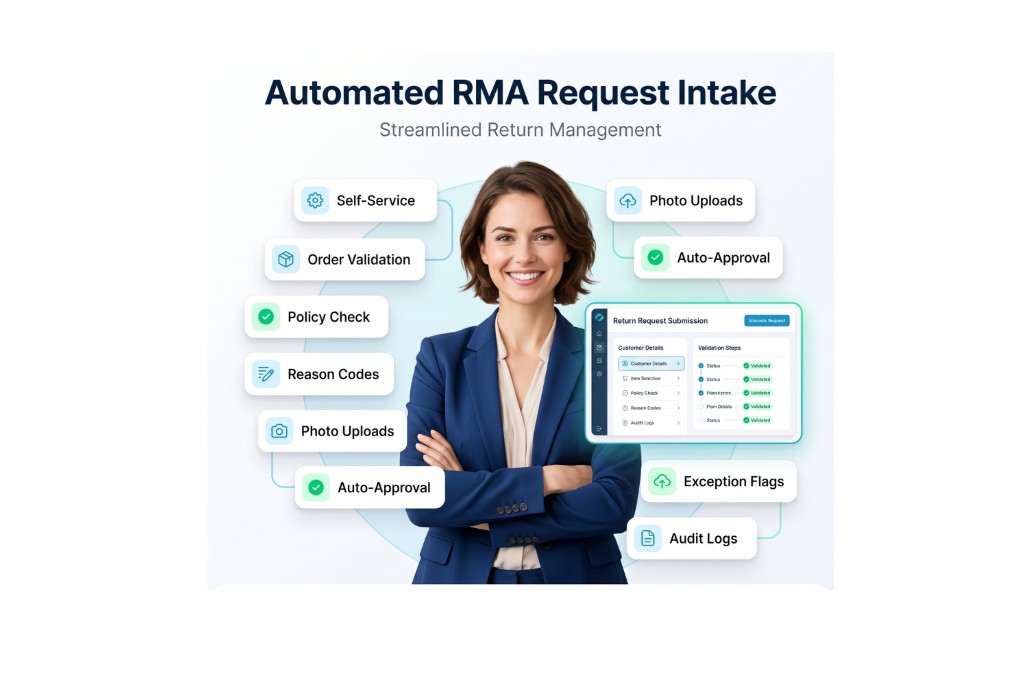
RMA Request Automation
Automated RMA software captures return requests online and validates eligibility using order history, policy rules, and product conditions.
Self-service
Self-service intake lets customers submit RMAs from order history.
Eligibility checks
Eligibility checks validates window, item condition, and policy rules.
Return reasons
Return reasons captures structured reason codes for analytics.
Photo uploads
Photo uploads collects evidence for damaged or incorrect items.
Auto approvals
Auto approvals approves low-risk RMAs based on configured rules.
Exception flags
Exception flags routes unusual requests to manual review.
Audit logs
Audit logs records request edits and approvals with timestamps.
RMA Approval Workflows
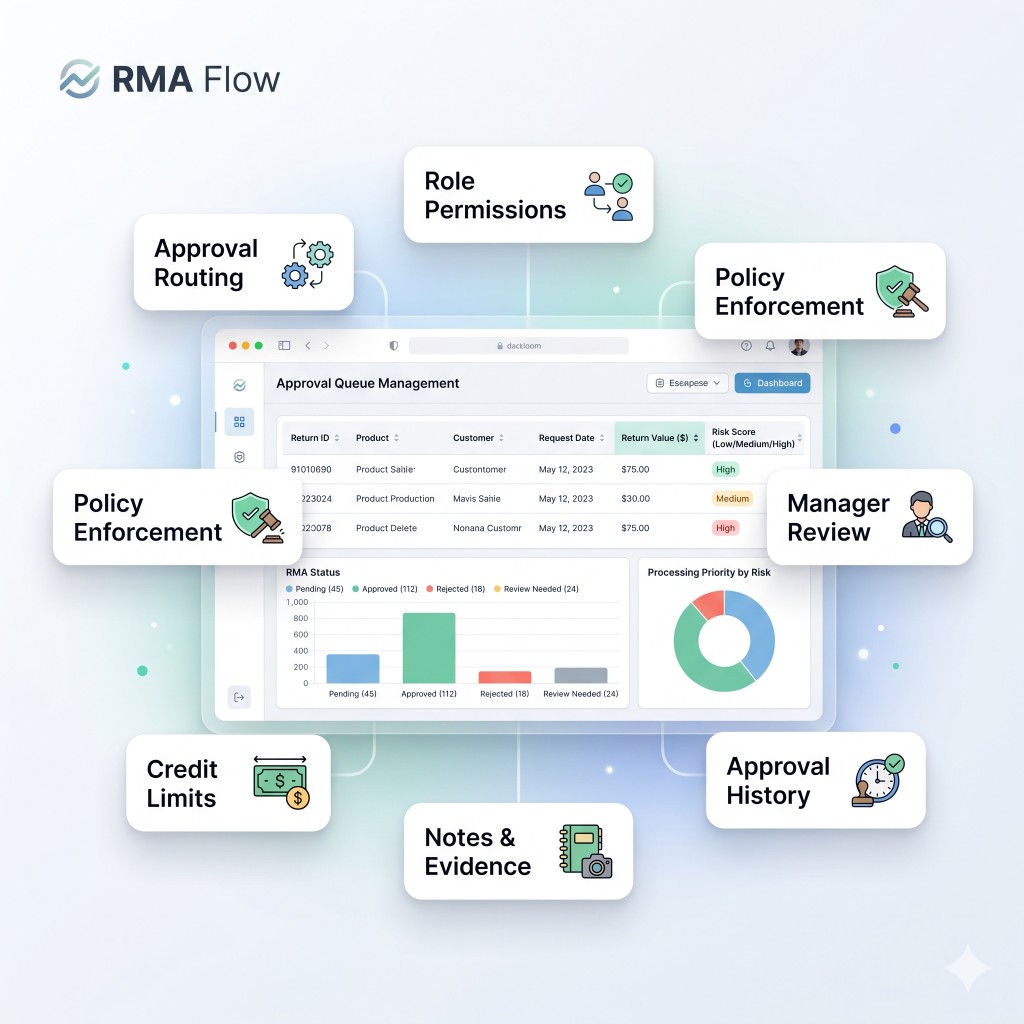
Return merchandise authorization software routes approvals for exchanges, refunds, and exceptions using role controls and policy enforcement rules.
Approval routing
Approval routing routes approvals by value, reason, and risk.
Role permissions
Role permissions restrict approvals to authorized users only.
Policy enforcement
Policy enforcement blocks out-of-policy returns automatically.
Manager review
Manager review supports high-value and high-risk requests.
Credit limits
Credit limits controls refund limits and exception thresholds.
Notes and evidence
Notes and evidence stores justification and attachments for approvals.
Approval history
Approval history stores decision outcomes for audit reviews.
Automated Return Labels
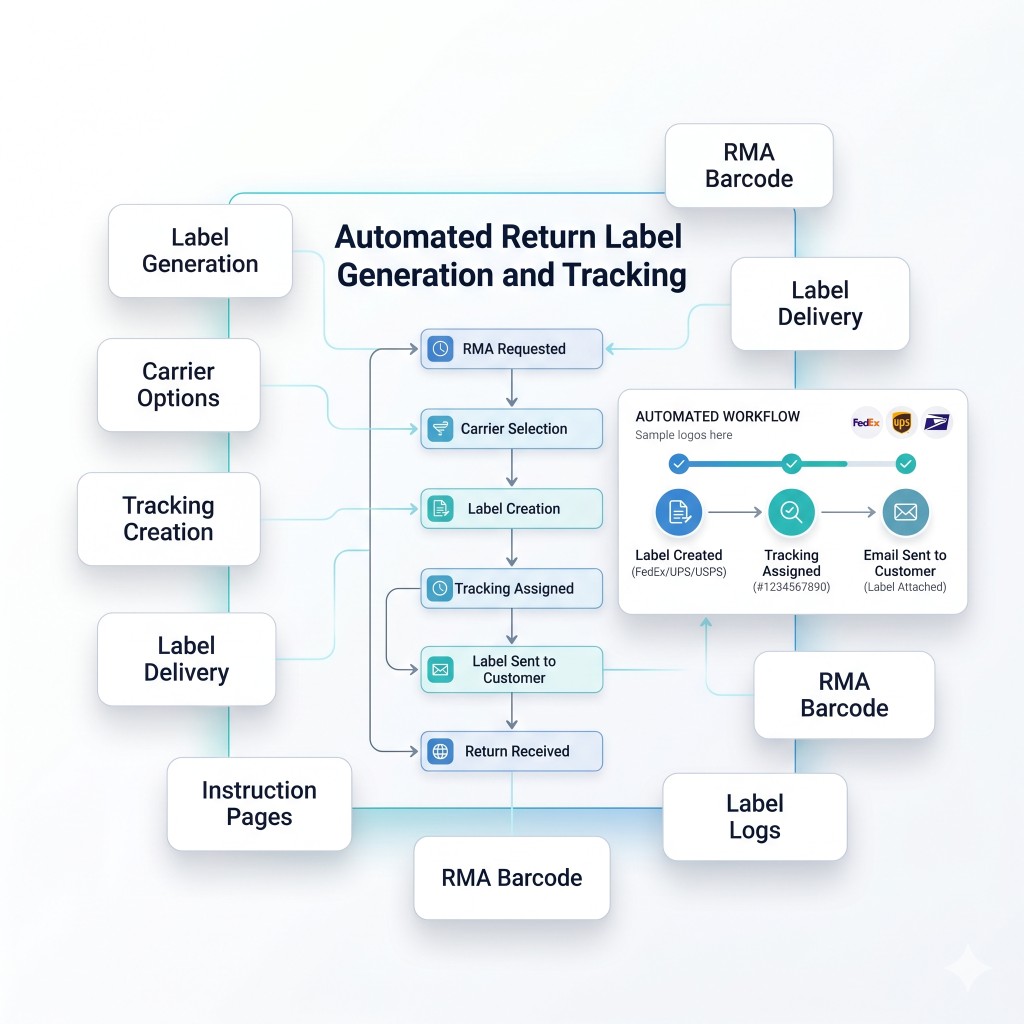
RMA system for ecommerce generates automated return labels with carrier selection, tracking numbers, and customer instructions to reduce friction.
Label generation
Label generation creates return labels automatically after approval.
Carrier options
Carrier options supports multiple carriers and service levels.
Tracking creation
Tracking creation assigns tracking numbers for each return shipment.
Label delivery
Label delivery sends labels by email and customer portal.
Instruction
Instruction pages shows packing instructions and return steps.
RMA barcode
RMA barcode prints barcodes for faster warehouse receiving.
Label logs
Label logs stores label history and reprint evidence.
RMA Tracking Dashboards
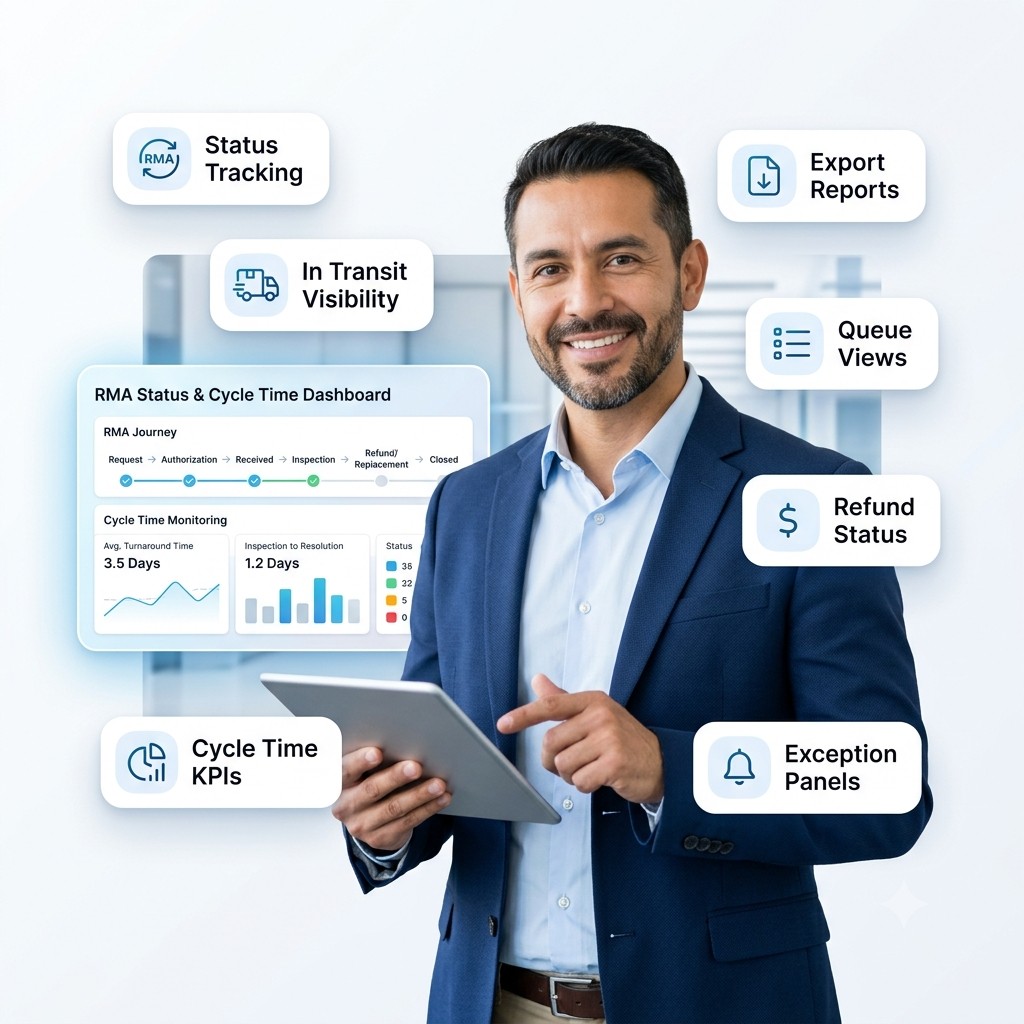
RMA management software provides tracking dashboards showing request status, in transit returns, inspections, refunds, and cycle times.
Status tracking
Status tracking shows requested, approved, in transit, received, closed.
In transit visibility
In transit visibility tracks carrier events and delivery milestones.
Cycle time
Cycle time KPIs measures time from request to resolution.
Queue views
Queue views shows pending approvals and inspection workload.
Exception panels
Exception panels highlights delayed returns and missing packages.
Refund status
Refund status tracks refund progress and completion state.
Export reports
Export reports shares RMA performance summaries with teams.
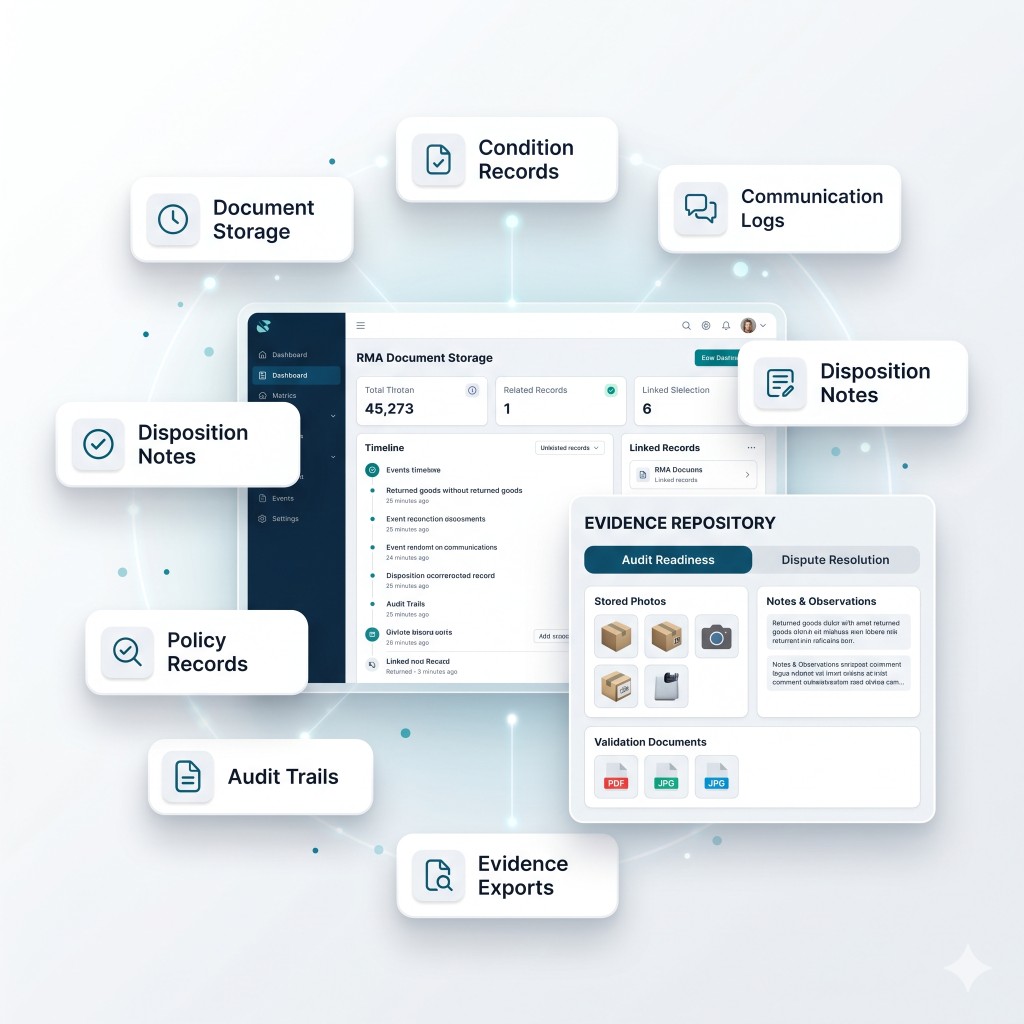
RMA Documentation
Return merchandise authorization software stores RMA documentation including photos, notes, labels, and inspection outcomes for audit readiness.
Document storage
Document storage stores photos, notes, and supporting files.
Condition records
Condition records captures inspection grading and evidence photos.
Communication logs
Communication logs stores messages tied to each RMA.
Disposition notes
Disposition notes records restock, refurb, or disposal outcomes.
Policy records
Policy records stores applied policy rules for compliance.
Audit trails
Audit trails records who changed RMA fields and when.
Evidence exports
Evidence exports supports disputes and chargeback investigations.
RMA Authorization Rules
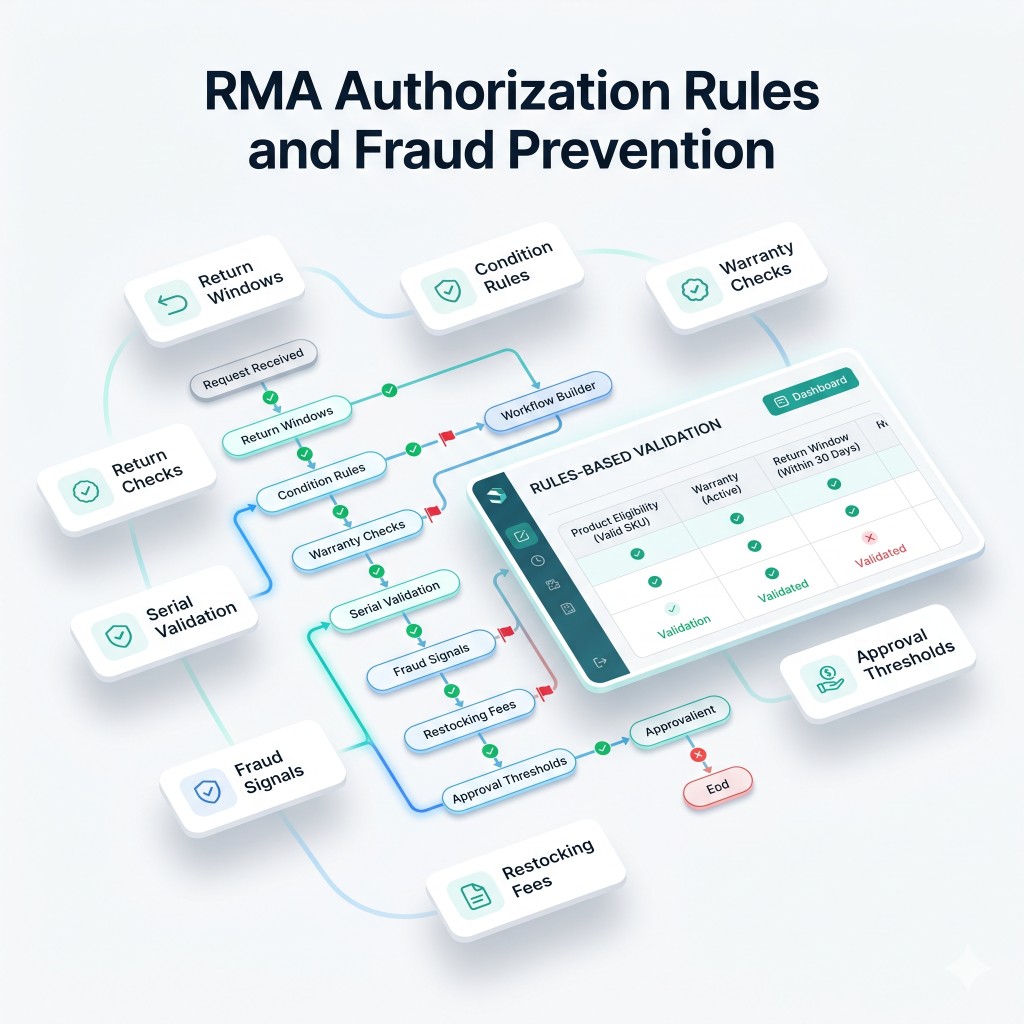
RMA management software enforces authorization rules by product type, condition, warranty status, and return window to reduce abuse.
Return windows
Return windows enforces configurable time limits by category.
Condition rules
Condition rules applies rules for opened, used, or damaged items.
Warranty checks
Warranty checks validates warranty eligibility and coverage status.
Serial validation
Serial validation verifies serialized items match original shipments.
Fraud signals
Fraud signals flags repeat returners and unusual patterns.
Restocking fees
Restocking fees applies fees based on policy and condition.
Approval thresholds
Approval thresholds triggers manual review for policy exceptions.
Six Core Benefits of RMA Management
Reduce support workload, return friction, and abuse while improving speed, dispute resolution, and returns performance with automated RMA software.
Reduce support
Reduce support workload with RMA management software that automates request intake, eligibility checks, approvals, and customer communications.
Reduce return
Reduce return friction with automated return labels that deliver tracking and instructions immediately after authorization.
Reduce abuse
Reduce abuse with RMA authorization rules that enforce windows, condition rules, serial validation, and approval thresholds.
Improve speed
Improve speed with RMA tracking dashboards showing bottlenecks, cycle times, in transit visibility, and inspection queues.
Reduce disputes
Reduce disputes with RMA documentation capturing photos, notes, labels, and audit trails for chargebacks and claims.
Improve returns
Improve returns performance with automated RMA software analytics using reason codes, exception panels, and reporting exports.
Traditional Returns Process vs 1CA RMA Management
A capability comparison, not a competitor list. This is how 1CA handles RMA Management versus disconnected tools.
Traditional Returns Process
- Email and spreadsheet return authorizations
- Labels and refunds handled after the item arrives
- Little visibility into restock, exchange, or scrap
- Return fraud and missing items discovered late
1CA RMA Management
- Automated RMA approvals, labels, and tracking
- Refund and exchange rules tied to the return reason
- Returns inventory, restock, and documentation in one queue
- Audit history for authorizations, receipts, and dispositions
Frequently Asked Questions
Answers to common operational inquiries.