
Last-Mile Delivery Management &
Optimization
Driver routes with Google stop optimization, proof of delivery (signature and photos), live driver tracking, and customer tracking links. Dispatch is manual.
How last-mile delivery works in 1CA today
Driver tracking is switched off by default and enabled per organization. Features that are not built yet are listed as limits.
- 01
Assign and route
A dispatcher assigns delivery and pickup stops to a driver and optimizes the stop order with Google.
- 02
Driver shift
The driver starts a shift, shares a live position, and opens each stop in Google Maps, Apple Maps, or Waze.
- 03
Deliver
The stop is marked delivered with a signature, photos, recipient name, and notes, or logged as an exception and rescheduled.
- 04
Customer link
Once an order is picked up, a private link shows the customer its status and ETA. It stops working when the order is closed.
Documented limits
- Not available yet: automated dispatch, routing around delivery windows or vehicle capacity, fleet (vehicle) management, automated ETA texts or emails, and proof of delivery inside the Partner mobile app.
Last-Mile Delivery is best for
- Restaurants and retailers with their own drivers
- Local fulfillment teams
- Teams that want customers to follow their delivery
- Teams that need to see where drivers are
Delivery Route Optimization Software
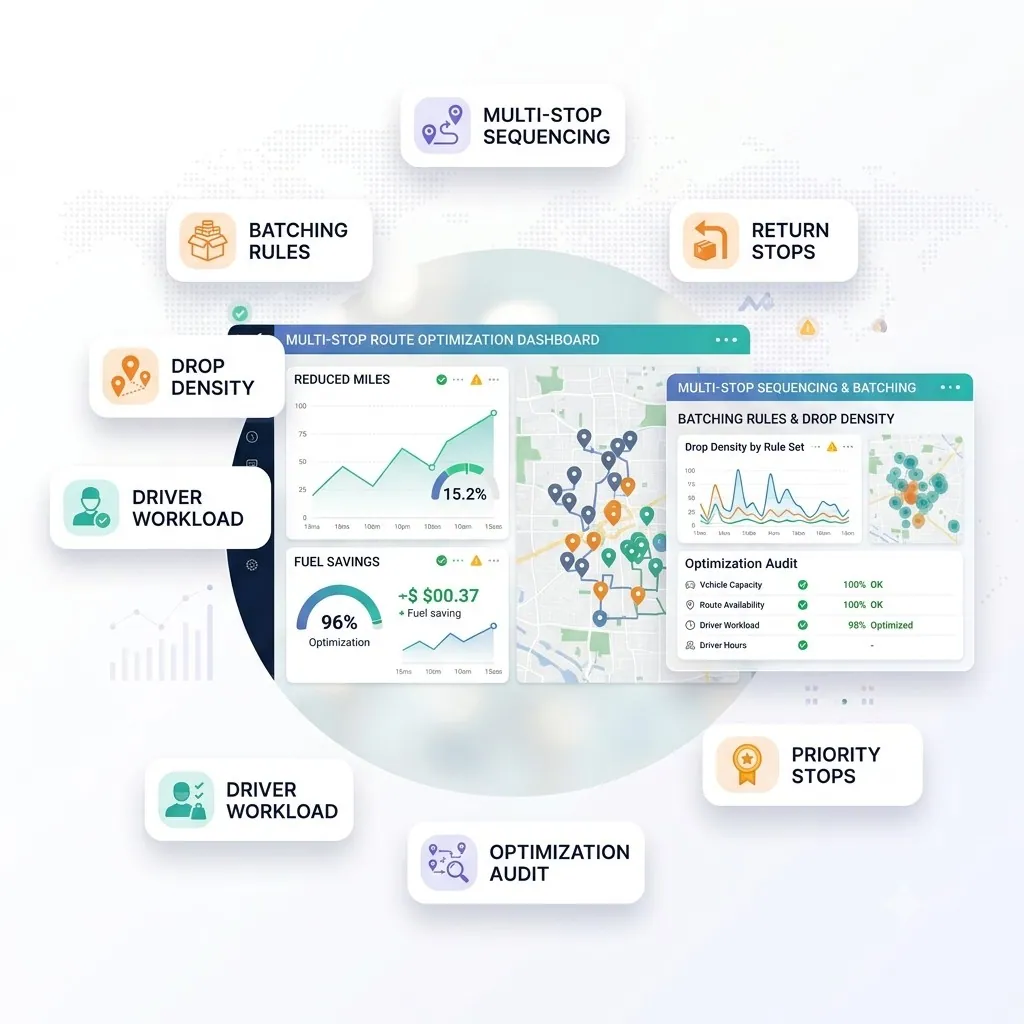
Build a driver route from delivery and pickup stops, then optimize it: Google reorders the stops by traffic-aware drive time and the route is drawn on the map. Drivers open each stop in Google Maps, Apple Maps, or Waze.
Delivery hub
One admin page with every delivery by status: pending, in transit, delivered, failed, and returned.
Driver routes
Assign delivery and pickup stops to a driver and see the route on a map.
Route optimization
One click asks Google to reorder the stops of a route by traffic-aware drive time.
Proof of delivery
Mark a stop delivered with the recipient name, notes, photos, and a signature.
Driver live location
While a driver is on shift, the admin sees their position on the map with an ETA to the next stop.
Customer tracking link
A private link lets a customer follow their delivery once it is picked up.
Shift based
Location is only collected while a driver is on shift and the trail is deleted after a short retention period.
Delivery Tools Today
Routes, stop order, and navigation hand-off, alongside live driver location.
Manual dispatch
Dispatchers assign orders and stops to drivers; assigning needs a permission.
Navigation hand-off
Open a stop in Google Maps, Apple Maps, or Waze.
Exceptions and reschedule
Log a failed delivery with a reason and pick a new date and time window.
Signature and photos
Proof of delivery is stored on the order lines it covers.
Driver performance
Driver list with total deliveries and on-time rate.
Reports and exports
Delivery reports, exception causes, and delivered hot spots, with exports.
Partner mobile app
Drivers see their assigned routes and stops and share location on shift (Android).
Not Available Yet
Route optimization uses drive time only. Delivery windows, vehicle capacity, and automatic multi-driver planning are not built yet.
Automated dispatch
No automatic assignment of orders to drivers yet; dispatch is manual.
Time-window routing
Route optimization reorders stops by drive time only; delivery windows and vehicle capacity are not used yet.
Fleet management
No vehicle, maintenance, or fuel tracking yet.
Delivery notifications
No automated ETA texts or emails to customers yet; customers use the tracking link.
Proof of delivery in the app
Signature and photo capture is in the web admin and driver pages, not in the Partner mobile app yet.
What you get with Delivery Route Optimization
Plan routes, see where drivers are, and keep proof of every delivery.
Shorter routes
Google reorders the stops of a route by traffic-aware drive time.
Fewer delivery disputes
Signature, photos, recipient name, and notes are kept on the order.
Fewer "where is my order" calls
Customers follow their delivery with a private tracking link.
Privacy by design
Location is collected only on shift and deleted after a short retention period.
Traditional Delivery Dispatch vs 1CA Last-Mile Delivery
A capability comparison, not a competitor list. This is how 1CA handles Last-Mile Delivery versus disconnected tools.
Traditional Delivery Dispatch
- Routes built by hand each morning
- Customers calling for ETAs and driver location
- Paper proof of delivery that is hard to audit
- No shared view between warehouse and drivers
1CA Last-Mile Delivery
- Driver routes with one-click Google stop optimization
- Proof of delivery: signature, photos, recipient name, and notes
- Live driver location and ETA while on shift
- Private customer tracking link that expires with the order
Frequently Asked Questions
Answers to common operational inquiries.