
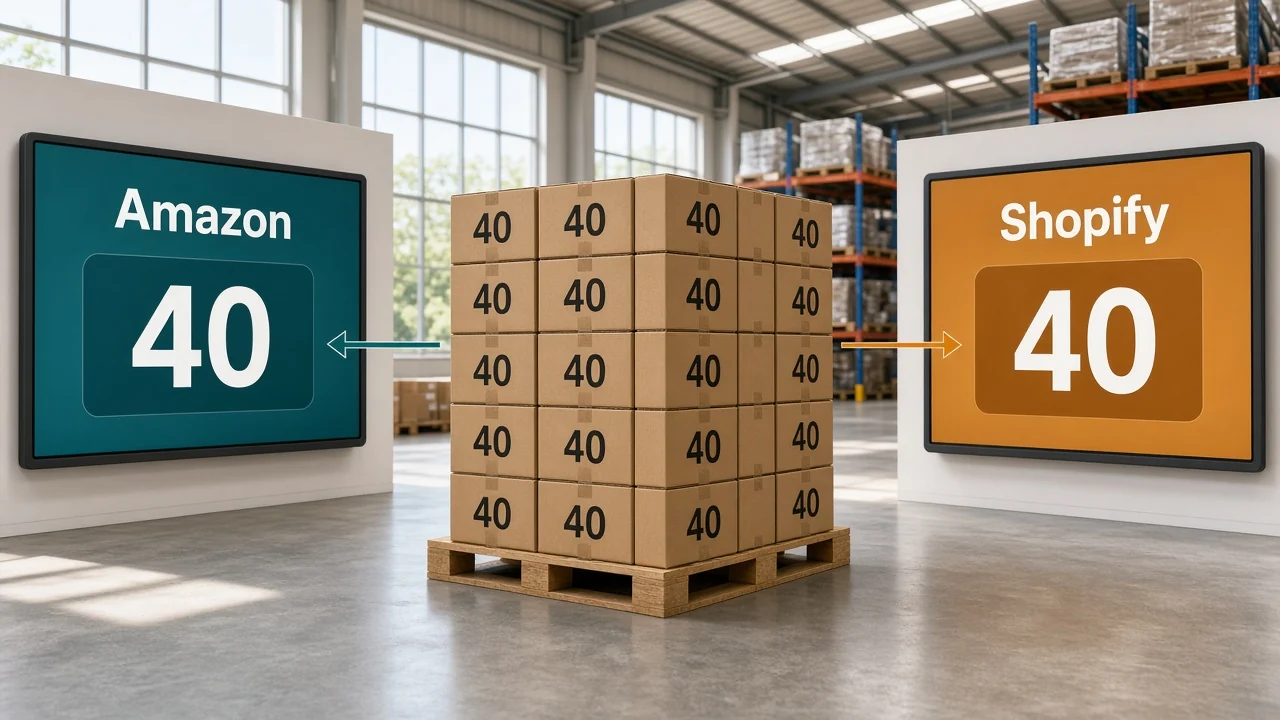
Amazon sold the last 3 units of SKU HAM-12 at 2:10 p.m. Shopify still showed 3 at 2:40 p.m., and a storefront order came in for an empty bin. You sync inventory between Amazon and Shopify so that second order never gets accepted.
How to sync inventory between Amazon and Shopify
Use one shippable quantity for both sites. Subtract open orders and a buffer from the warehouse count, then send what remains to Amazon. A sale on either site lowers the other listing before you pack the order, including orders that are still awaiting a label.
The Shopify admin on its own does not keep an Amazon offer updated. Marketplace Connect, or another integration, has to import the Amazon order and send the new quantity. For merchant-fulfilled stock, Shopify's fulfillment help says that import updates the count in Shopify and on Amazon.
Do the connection in this order:
- Match the Shopify SKU to the Amazon seller SKU on the offer, not only the UPC.
- Turn on inventory tracking, and stop the sale when the quantity hits zero.
- Subtract unfulfilled orders from on-hand, then subtract a buffer, and send that quantity to Amazon.
- When either site sells, reserve the unit and send the new quantity before you print a label.
- Place one low-value test order on each site and confirm the other quantity drops.
Should FBA stock sync to your Shopify store?
FBA units are not on your shelf. Treat them as a second pool, or Shopify will sell a unit Amazon is already holding.
| Where the unit sits | What you sync |
|---|---|
| Your warehouse, and you ship the Amazon order (FBM) | Push the shippable warehouse quantity to Amazon |
| Only at FBA, and you do not ship Shopify orders from Amazon | Leave those units out of the Shopify number |
| FBA plus your warehouse | Keep two pools. Shopify shows the warehouse pool unless Amazon fulfills the Shopify order |
| You want Amazon to ship Shopify orders (MCF) | Then FBA can cover a Shopify order, and the Shopify count has to include that pool |
Shopify's fulfillment help says an FBA offer can switch to your merchant-fulfilled inventory after FBA runs out. That switch only works if the warehouse pool is still real. Adding 80 FBA units to 34 warehouse units and publishing 114 on Shopify sells stock you cannot pack yourself.
How do you match SKUs between Amazon and Shopify?
The seller SKU on your Amazon offer has to equal the Shopify SKU. A shared UPC only puts you on the same catalog page as other sellers.
Shopify's Amazon listing help splits the listing from the offer. The listing is the shared title, images, and product ID. The offer is your price, your quantity, and whether you or Amazon ship it. Quantity sync hits the offer, so the seller SKU is the key.
If HAM-12 on Shopify is HAM12 on Amazon, the order imports against nothing and the quantity never moves. Fix the SKU before you turn the feed on. A test order on one unit will show the break in a minute. A catalog of 400 SKUs will not.
How many units should Amazon show?
Shippable quantity is on-hand minus unfulfilled orders minus a buffer. That is the number Amazon should display for a merchant-fulfilled offer.
The counts below are an example.
| Bucket | Units |
|---|---|
| On-hand at the Shopify location | 40 |
| Unfulfilled orders | 6 |
| Available | 34 |
| Buffer held off Amazon | 4 |
| Quantity sent to Amazon | 30 |
Amazon sells 2, available becomes 32, and Amazon should show 28 because the buffer of 4 stays. Send 28. Sending the old 30 puts two units back on sale.
Shopify's Amazon listing settings include a default quantity rule, which can be a fixed number, a buffer, or a maximum. The 4-unit hold in this example is that kind of buffer. Use it when Amazon takes a few minutes to apply the update you already sent.
If Shopify has two locations, send Amazon only the location that can ship that order. A shop floor with 10 units and a warehouse with 30 is not 40 available to Amazon when the floor stock never leaves the store. Pick the warehouse location, or Amazon will take an order you cannot pack.

Amazon inventory management in OneChannelAdmin maps that seller SKU and pushes the new quantity after the order imports. Shopify reads the same count through Shopify inventory management. The warehouse figure those feeds start from sits in inventory management, and order fulfillment still chooses the building that packs the unit.
Why does Amazon inventory show the wrong quantity?
One Marketplace Connect article says Amazon keeps displaying a quantity of 1 when two settings are on together. The product can still be purchased at zero, and the listing uses Shopify inventory settings. Turn off selling when out of stock for every SKU in the sync.
A second fulfillment app can import the same Amazon order. Shopify's fulfillment help says to disconnect the marketplace from that app so the order reaches Shopify once. Two imports drop the count twice, and Amazon then looks short while the shelf is fine.
Wait a few minutes before you call the feed broken. Marketplace Connect says it sends updates in real time, and Amazon can still take time to process them. If the offer is still wrong after that, check the SKU and the out-of-stock setting before you upload yesterday's file again.
How do you test an Amazon and Shopify inventory sync?
Run this on one SKU before you connect the catalog.
- Confirm the seller SKU matches on the offer and on Shopify.
- Confirm inventory tracking is on, and the product cannot be bought at zero.
- Write down the shippable quantity, including the buffer, before you place the order.
- Buy one unit on Amazon. The Shopify available count should drop by one, and the Amazon offer should follow.
- Buy one unit on Shopify. The Amazon offer should drop by the same one.
- If either side stays put, stop. Don't publish the other 400 SKUs.
For most sellers, a hand update survives until the same SKU sells on both sites the same afternoon. After that, the note you meant to send is how the empty-bin order happens.

Does an inventory sync change the Amazon price?
Not unless you turn that on. Shopify's Amazon listing help treats price as its own rule, separate from the quantity rule. Leave price alone until the one-SKU quantity test passes. A wrong price on the whole catalog is harder to unwind than a wrong buffer, because the offer can lose the sale while you are still checking stock.
Questions before you connect Amazon and Shopify
Does Shopify sync inventory with Amazon by itself?
No. The Shopify admin does not keep an Amazon offer updated on its own. Marketplace Connect or another integration has to import the Amazon order and send the quantity back. Merchant-fulfilled orders are the case Shopify's fulfillment help describes as updating both sides.
Should FBA inventory sync into the Shopify warehouse count?
Not if you ship Shopify orders from your own shelf. Those FBA units are in Amazon's buildings. Add them to the Shopify number and you can sell a unit you cannot pack, unless Amazon is fulfilling that Shopify order through multi-channel fulfillment.
Why does Amazon show a quantity of 1?
Shopify's Marketplace Connect help says Amazon keeps showing 1 when the product can be purchased at zero and the listing uses Shopify inventory settings. Turn off selling when out of stock for SKUs you sync. The article also says to give Amazon a few minutes to process an update that was already sent.
How fast does an Amazon inventory update show up?
The update can leave your system immediately and still sit at Amazon for a few minutes. Marketplace Connect describes that wait in its out-of-sync article. If the offer is still wrong after the wait, check the SKU map and the out-of-stock setting before you resend an old quantity.
Do the Shopify SKU and the Amazon SKU have to match?
Your Amazon offer's seller SKU has to match the Shopify SKU. A shared UPC only means you joined the same catalog listing as other sellers, with none of your stock attached to that ID. Quantity lives on your offer, and that offer follows the seller SKU.
Written by the OneChannelAdmin Team. We spend our weeks on seller SKUs, warehouse counts, and the orders that have to match them.
Run inventory, orders, and marketplaces in one place
See how OneChannelAdmin connects catalog, warehouse, and multichannel selling without spreadsheet chaos.