
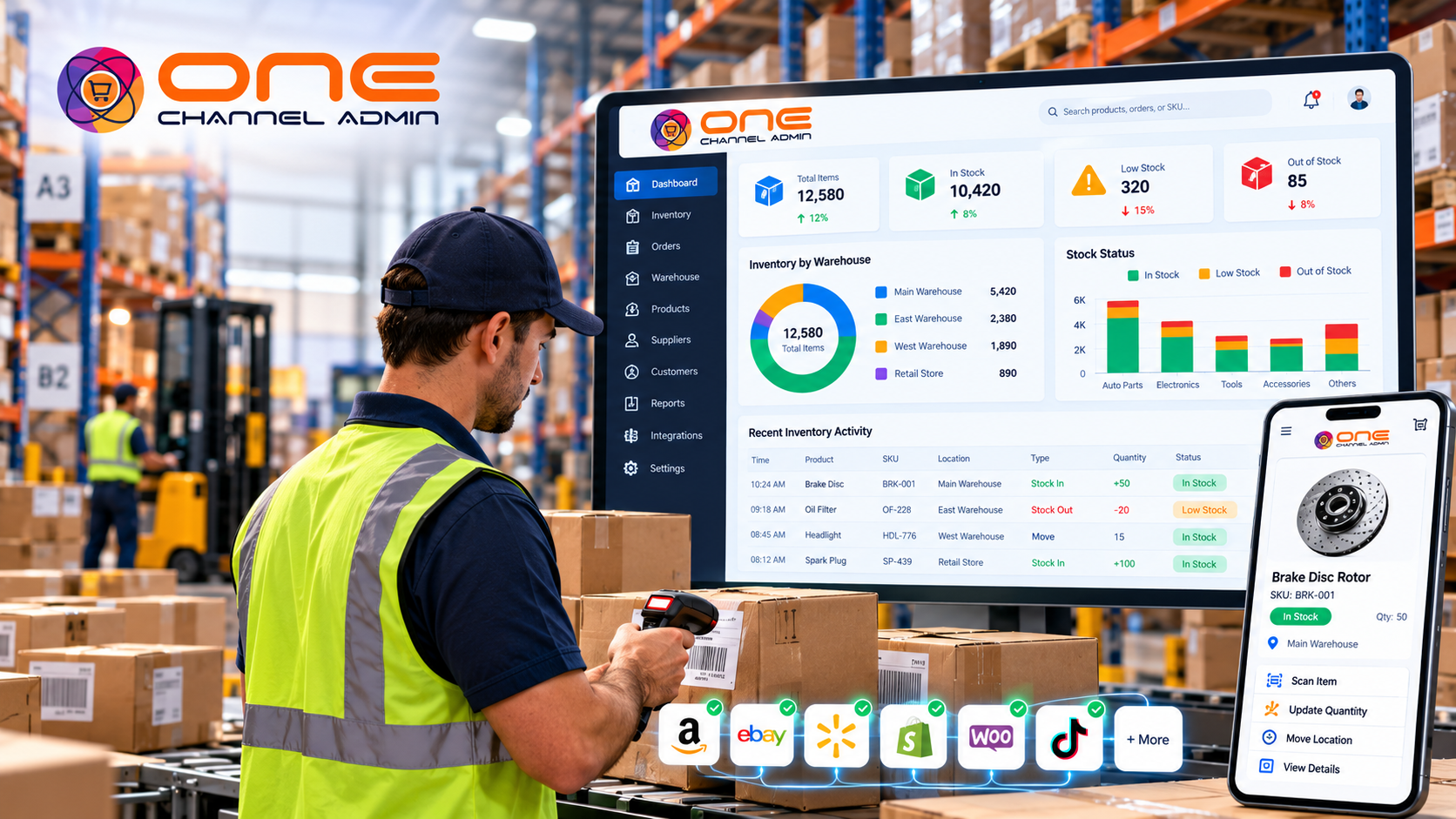
Counting stock by hand, or even scanning barcodes one at a time, is slow, so most businesses count rarely and live with inaccurate numbers in between. An RFID inventory management system changes that: a handheld or fixed reader can capture hundreds of tagged items in seconds, without seeing each label.
This guide covers how RFID inventory systems work, RFID vs barcode, the hardware and software you need, costs, where RFID pays off, and how to choose RFID inventory management software and tracking software.
What is an RFID inventory management system?
An RFID inventory management system uses radio-frequency identification tags on items, cases or assets, plus readers and software, to identify and count inventory automatically without line of sight. Each tag carries a unique ID, so the system knows not just how many units exist but exactly which ones, and where they were last seen.
People also call it an RFID inventory system, RFID inventory management software or RFID inventory tracking software. The software is the part that matters most: it turns raw tag reads into stock levels, locations and movement history.
How RFID inventory tracking works
- Tag: each item, case, pallet or asset gets an RFID tag encoded with a unique ID linked to its SKU or serial number.
- Read: handheld readers, fixed portals at dock doors or overhead readers capture tags in range.
- Filter: software removes duplicate and stray reads and matches tags to products and locations.
- Update: stock levels, locations and status change in the inventory record.
- Act: the system flags discrepancies, missing assets, low stock and items in the wrong place.
RFID vs barcode inventory management
Barcodes are cheaper and simpler; RFID is faster and more automatic. Barcodes need a line of sight and one scan per item. RFID reads many tags at once, through boxes, from a distance.
| Factor | Barcode | RFID |
|---|---|---|
| Line of sight | Required | Not required |
| Items per scan | One | Many at once |
| Label cost | Very low | Higher per tag |
| Unique item identity | Usually SKU only | Unique per tag |
| Best for | Picking and low-volume counts | Frequent full counts, high-value items, assets and rentals |
Many businesses use both: barcodes for picking and packing, RFID for counts, receiving and asset tracking.
RFID system components
- Tags: passive UHF tags (no battery) are most common for inventory; active tags with batteries suit long-range asset tracking. Special tags exist for metal surfaces and liquids.
- Readers: handhelds for counts, fixed readers and portals for doorways and docks.
- Printers and encoders: print and encode smart labels in-house.
- RFID inventory software: manages tags, reads and stock records, and connects to your WMS, orders and channels.
Where RFID inventory systems pay off
- Retail and apparel: frequent store counts and accurate omnichannel stock.
- Rentals and equipment: knowing which serialized asset is out, back or due for service.
- Medical equipment and supplies: serial and lot traceability.
- Warehouses: automated receiving and shipping verification at dock doors.
- Tools and IT assets: finding items and reducing losses.
RFID count time: a worked example
| Method | Time per full count |
|---|---|
| Barcode scanning | About 28 hours (about 5 seconds per item) |
| RFID handheld | About 50 minutes (about 400 items per minute) |
Why RFID should feed your whole commerce system
RFID only improves sales accuracy if its counts reach your warehouse, orders and channels. A standalone RFID tool that exports spreadsheets just moves the manual work.
OneChannelAdmin RFID inventory tracking provides real-time, contactless multi-asset inventory monitoring inside the same platform as the WMS, inventory management, rental management and multichannel listings. 1CA customers such as Harmony Home Medical use RFID with rentals and multi-location workflows.
How to choose RFID inventory management software: 8-step checklist
- Define the goal. Faster counts, asset tracking, loss reduction or receiving accuracy.
- Choose the tagging level. Item, case, pallet or asset.
- Pilot tags on real products. Include metal and liquid items.
- Pick readers for each process. Handheld counts, dock portals or fixed zones.
- Check software integration. Confirm it connects with your WMS, POS, orders and channels.
- Confirm serial and lot support. Required if you track assets or regulated goods.
- Budget the full cost. Tags, readers, encoders, software and labor to tag existing stock.
- Roll out by zone. Measure count accuracy before and after.
Frequently asked questions
How much does an RFID inventory system cost?
Costs combine tags (paid per item, so volume matters most), readers, printers or encoders, and software subscriptions. Item-level tagging of low-cost goods is the hardest to justify; high-value items, assets and rentals usually pay back fastest.
Is RFID better than barcodes for inventory?
RFID is better for fast, frequent counts and tracking unique assets. Barcodes are better for low-cost labeling and simple picking. Many businesses combine both.
What is the difference between RFID inventory management and RFID inventory tracking?
Tracking means recording where tagged items are and where they moved. Management adds stock levels, reordering, orders and reporting. Good RFID inventory management software does both.
Can RFID read through boxes?
Yes, passive UHF RFID can usually read through cardboard and plastic. Metal and liquids can block or reflect signals, which special tags and reader placement help with.
Does RFID work with existing inventory software?
It can, through integrations, but the benefit is largest when RFID reads update the same record as your WMS, POS and sales channels, as in OneChannelAdmin.
Getting started with an RFID inventory management system
An RFID inventory management system turns counting from a yearly project into a quick routine and gives you item-level visibility. Pilot tags on real products, choose readers per process, and make sure the reads feed your warehouse, orders and channels.
Sources and methodology
This guide is based on standard industry practice and OneChannelAdmin product documentation, reviewed in October 2026. Any figures in worked examples are illustrative, not benchmarks.
- OneChannelAdmin, RFID Inventory Tracking.
- OneChannelAdmin, Warehouse Management (WMS).
Run inventory, orders, and marketplaces in one place
See how OneChannelAdmin connects catalog, warehouse, and multichannel selling without spreadsheet chaos.