
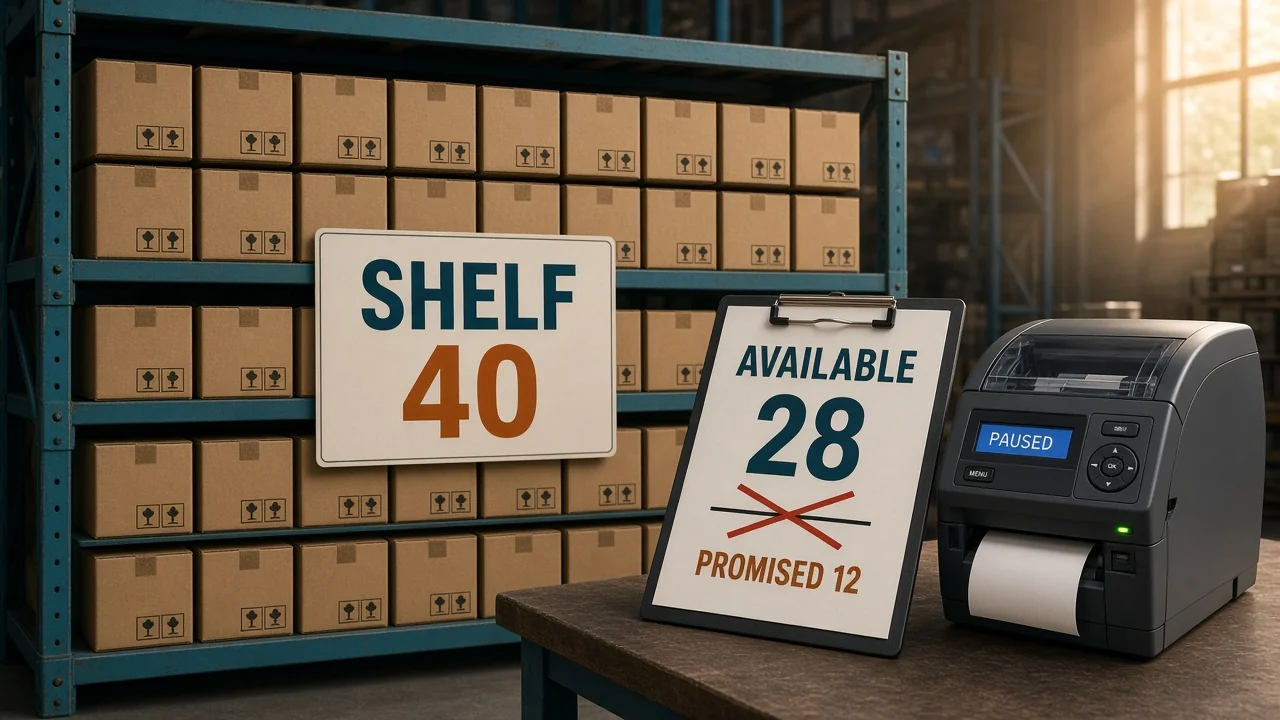
A buyer on Amazon checked out the last 6 units of SKU BX-14 at 11:04 a.m. Shopify still showed 6 at 11:20 a.m., and two more orders came in for an empty bin. That is the mess you are in when you look up how to prevent overselling.
How to prevent overselling
Sell the quantity you can still ship, not the quantity on the shelf. Subtract open orders and anything on hold, then hold back a buffer if the other channel will not update before more units can sell. Reserve the unit when the order is accepted, before you print a label.
A cancelled order is the expensive version of a counting mistake. The buyer is gone, the marketplace records the cancel, and the unit was never there.
Do it in this order:
- Count on-hand units at the location that ships the order.
- Subtract orders that are not shipped yet, and subtract units on hold.
- Subtract a buffer equal to what can sell before the next channel update lands.
- Publish that quantity. Don't publish the shelf count on every site.
- When an order is accepted, reserve the units and publish the new quantity before you print a label.
- Inspect a return before you add it back to on-hand.
What is available stock versus on-hand stock?
Available stock is what a shopper is allowed to buy. On-hand is what the building is holding, including units you already promised.
Available stock = on-hand minus open orders minus holds
The counts below are an example.
| Bucket | Units | Why it is in or out |
|---|---|---|
| On-hand at the ship-from location | 50 | Physical count after the last receipt |
| Open orders, not shipped | 8 | Already promised |
| QC hold | 2 | In the building, not ready to ship |
| Available stock | 40 | 50 minus 8 minus 2 |
List 50 on Amazon and 50 on Shopify and you have invited 100 orders for 40 shippable units. The sites do not know about each other until you tell them.
Leave inbound freight out of on-hand until it is received. Those 20 units on a truck are not a buffer. They are a stockout if you sell them today.
When should you reserve stock for an order?
Reserve at acceptance, not at shipment. The hours between checkout and the label are when the other site still shows the old number.
Amazon sells 4 of the example SKU at 2:04 p.m. Open orders move from 8 to 12. Available stock moves from 40 to 36, because 50 minus 12 minus 2 is 36. If Amazon and Shopify both still show 40, you have put those 4 units back on sale.
Amazon's Listings Items API keeps the quantity you last submitted apart from the live buyable quantity. A later file that resends the old 40 writes those units back onto the offer. Push 36. Don't replay yesterday's upload.
Inventory management in OneChannelAdmin reserves the units when the order imports, so the next channel push is already lower. Amazon inventory and Shopify inventory are two doors into that same count. Order fulfillment picks the building after the unit is reserved, not before.
How big should an oversell buffer be?
The buffer is not a reorder point. A reorder point tells you to buy more. The buffer is units you refuse to list because the other channel is slow.
Same example SKU, during a promo, selling about 12 units an hour across the sites that share the shelf. That rate is an example, not a benchmark. A 15-minute gap is 12 times 0.25, which is 3 units.
| How fast the other channel updates | Units that can sell in the gap | Buffer |
|---|---|---|
| Within a minute of the order | About 1 at this example rate | 1, or 2 if the promo is spiky |
| Every 15 minutes | 3 | 3 |
| Overnight | Whatever you expect to sell before morning | That many, or pause the slower site |
Listed quantity for the 15-minute case is 40 minus 3, which is 37. After the 4-unit Amazon sale, available stock is 36, so the listed quantity becomes 33. Leave 37 up and you have reopened the 4 units you just sold.
I'd rather show 33 and keep the order than show 40 and cancel it. Four unlisted units for an afternoon cost less than the cancellation.

How do you stop Shopify from selling out-of-stock items?
Shopify's help on selling when out of stock says that, with tracking on, customers can't buy an item at zero unless you choose Continue selling when out of stock. That switch is how you decide to oversell. Leave it off for any SKU that shares a shelf with Amazon.
The same page says the switch does not cover Shopify POS. Staff can still sell at zero and below. The register warns them. If the shop floor and the website share one pool, a register sale has to reserve the unit the same way an Amazon order does.
Location rules cut the other way. If the location that fulfills online orders is at zero, and another location has stock but does not fulfill online orders, Shopify shows the item as out of stock online. Turning on Continue selling when out of stock does not fix that. Put the units in the location that ships the web order.
Shopify's inventory help describes inventory as the quantity available for sale. That is the figure the product page should show, not the bin count.
Should each sales channel get its own stock?
A shared pool is right when every channel can drop the others the moment an order lands. A private allocation is right when one channel is not allowed to take those units.
| What you are protecting | What to do |
|---|---|
| One warehouse, and the other site updates within a minute | One pool. Publish available stock minus a small buffer |
| A site that only refreshes a few times a day | Hold back that gap's sales, or don't list the full pool there |
| Units a wholesale order already owns | Allocate them. Retail listings should not see that quantity |
| A promo that can sell the day's stock in an hour | Raise the buffer on that SKU before the promo starts, then put it back |
Two pools that are really one shelf will oversell. One pool that includes wholesale units a buyer already paid for will break the contract. Pick the row that matches the promise you made.
How do you check that overselling has stopped?
Run this on the SKUs that sold in the last 14 days. The rest can wait.
- Compare on-hand, open orders, holds, and the buffer with the quantity each channel shows. Where a channel is higher, fix it the same day.
- Read failed quantity pushes from the last seven days. Replay them with today's available stock, not the number in the failed file.
- Pull one return that was restocked. Confirm someone inspected it before it became available.
- Place a one-unit order on the faster site and watch the slower site drop before you pack.
- During a promo, raise the buffer first. Don't discover the gap at 11:20 a.m.
For most sellers, a spreadsheet holds until the same SKU sells on two sites the same afternoon. Past that, the reservation has to happen without someone remembering.

Questions about overselling
What is overselling?
Overselling is taking an order for a unit you cannot ship from the location that was supposed to fill it. The shelf count was wrong, the other channel was slow, or a unit on hold was listed as available. The buyer gets a cancellation instead of a box.
What is the difference between on-hand and available stock?
On-hand is the physical count in a location. Available stock is on-hand minus open orders and minus units on hold, such as damage or a QC check. The quantity you publish is available stock minus a buffer when the next channel update is slow.
How do you prevent overselling on Shopify?
Track inventory, and leave Continue selling when out of stock turned off for shared SKUs. Shopify's help says shoppers then cannot buy the item at zero. A POS sale can still go through at zero, so the register has to reserve the unit too.
Does a stock buffer stop overselling by itself?
A buffer only covers units that can sell during the gap before the other channel updates. In the example, a 15-minute gap at 12 units an hour is 3 units, so you list 37 of 40 available. If both sites show the full 40 and neither drops when the other sells, the buffer never gets a chance to help.
Should a return go straight back on sale?
No. A return is not available stock until someone inspects it and accepts it back into on-hand. Add it early and you will sell a unit that is damaged, incomplete, or still in the returns cage.
Written by the OneChannelAdmin Team. We spend our weeks on warehouse counts, channel quantities, and the orders that get reserved in between.
Run inventory, orders, and marketplaces in one place
See how OneChannelAdmin connects catalog, warehouse, and multichannel selling without spreadsheet chaos.